Just a link. No account. No language barrier.
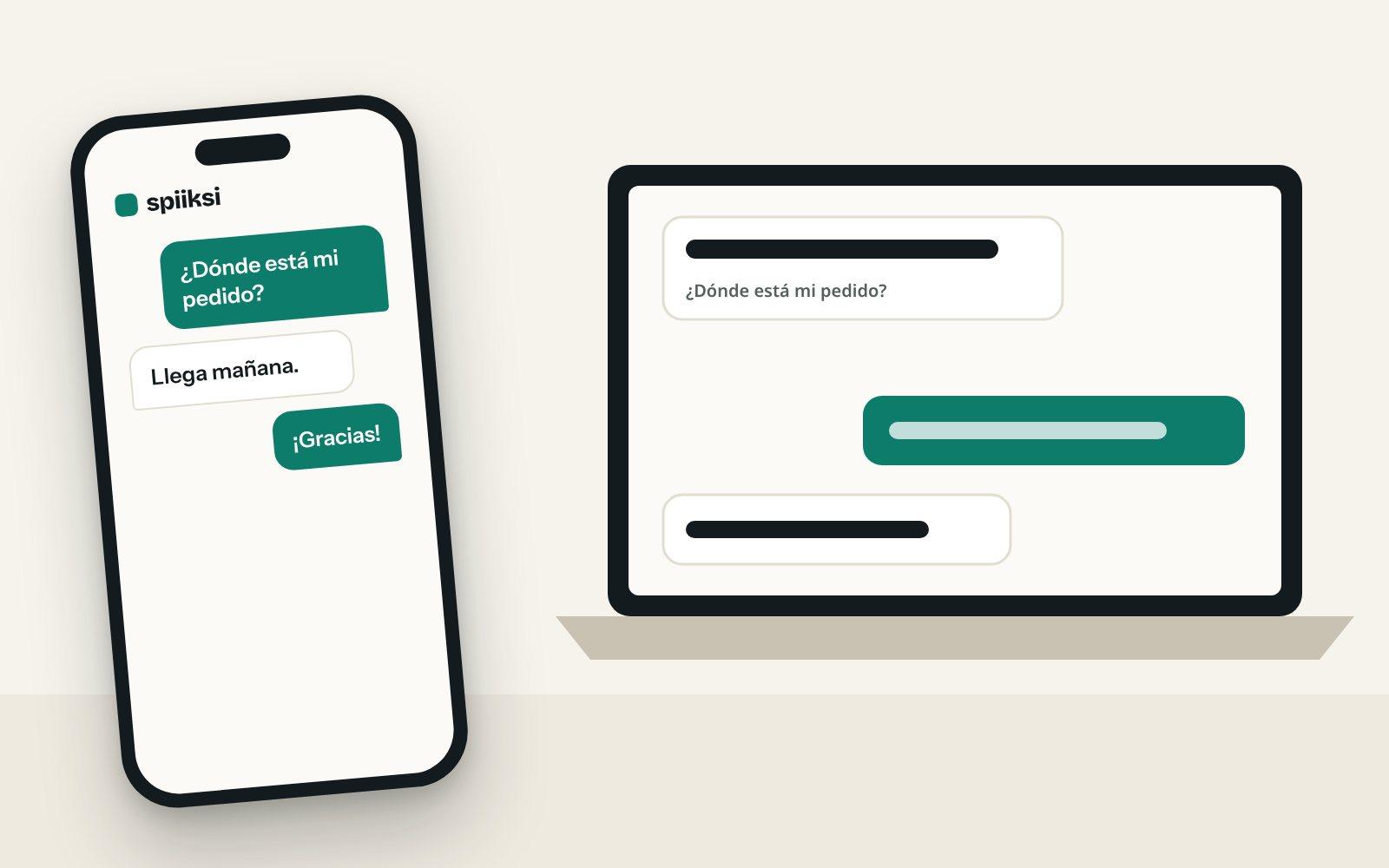
Your customer writes or speaks in their language, you answer in yours. Every message is translated as it's sent, and calls are interpreted both ways.
Speak for a minute and hear it in another language.
Hear it for yourself
A customer service call in English, interpreted by Spiiksi. Pick a language and switch at any time.
0:00 / 0:32
The original voice is synthetic; Spiiksi's interpretation is unedited.
And when you need it
Ready in three steps
Open Support desk and choose your language.
Create a link and send it.
Start chatting.
Start
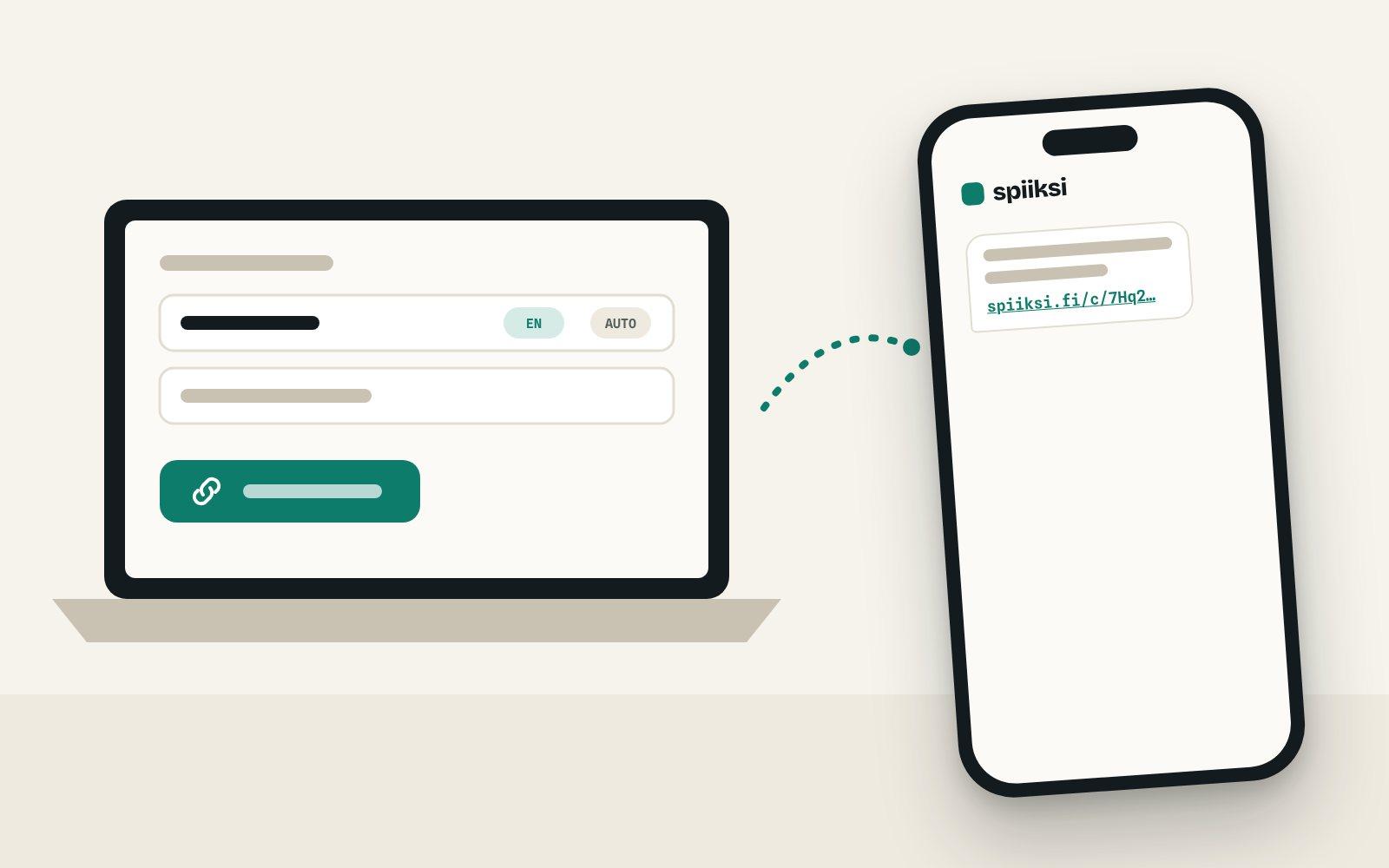
Send a link. That's it.
Create a link in the support desk and send it by text message, email or your own chat.
The conversation
They write in theirs. You read in yours.
Every message is translated the moment it's sent, and the original is always one tap away.
Voice messages
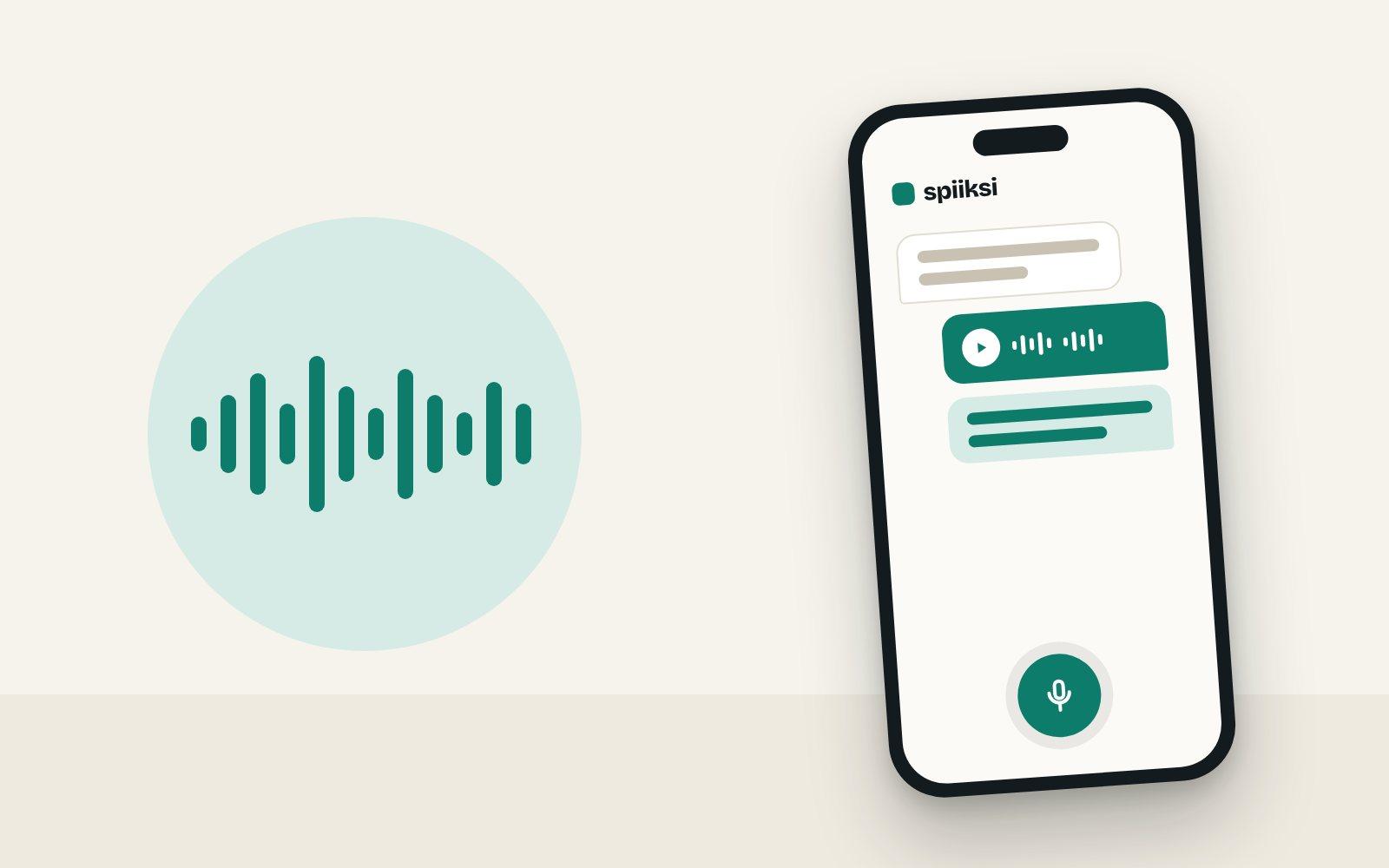
Typing is hard? Just speak.
Either side can speak a message. It's transcribed and translated like a written one.
Your tools
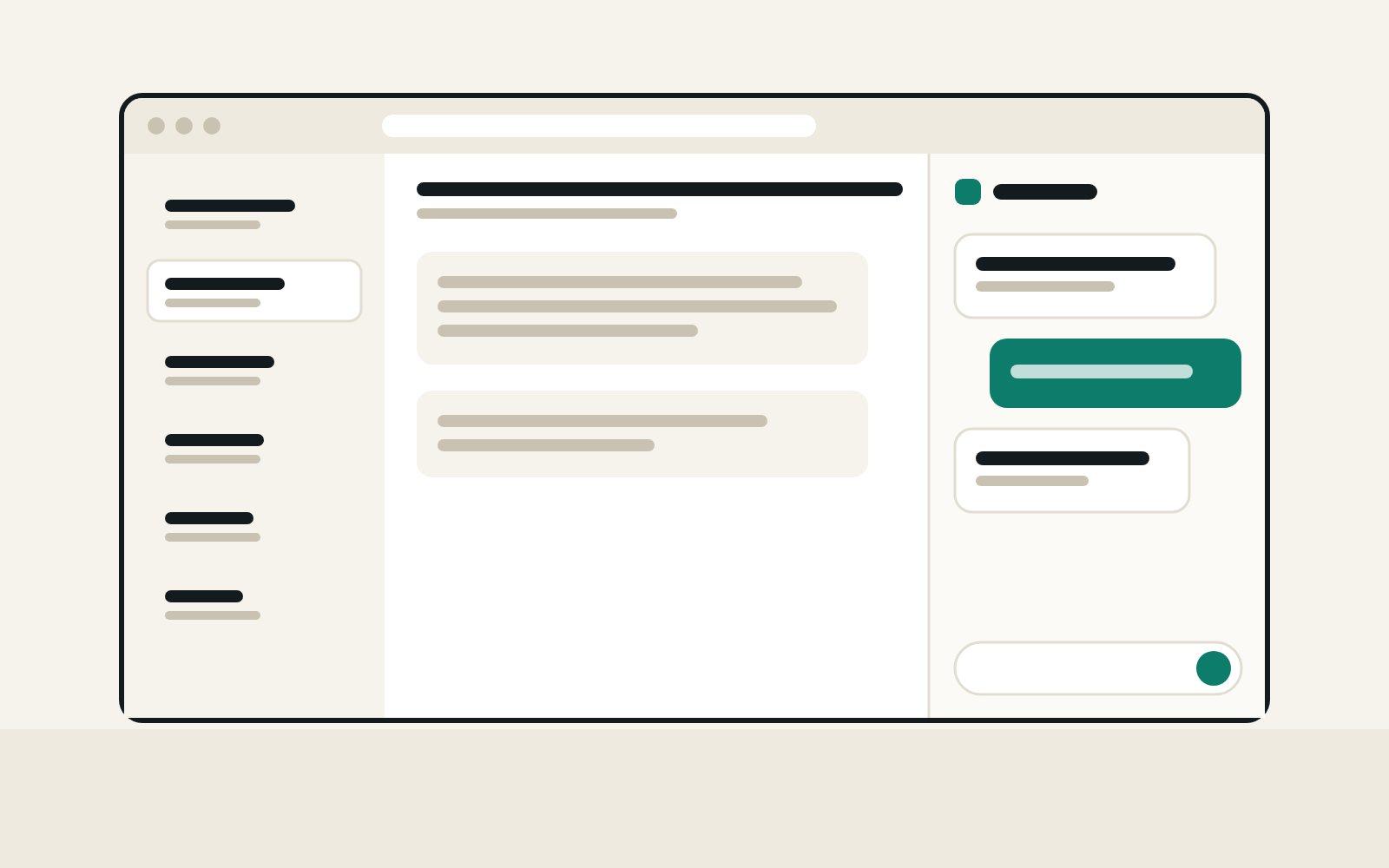
Works where your team already works.
A chat button for your website, sidebar apps for Zendesk and Freshdesk, or your own helpdesk through the API.
How it worksCommon questions
What does a translated conversation cost?
How reliable is the translation?
Does it work on our own website?
Try your first translated conversation
Create a free account and send a customer your first link. You only pay for the messages translated.