No booths. No receivers. No queue at the door.

Every attendee hears every talk in their own language — on the phone already in their pocket.

Speak for a minute and hear it in another language.
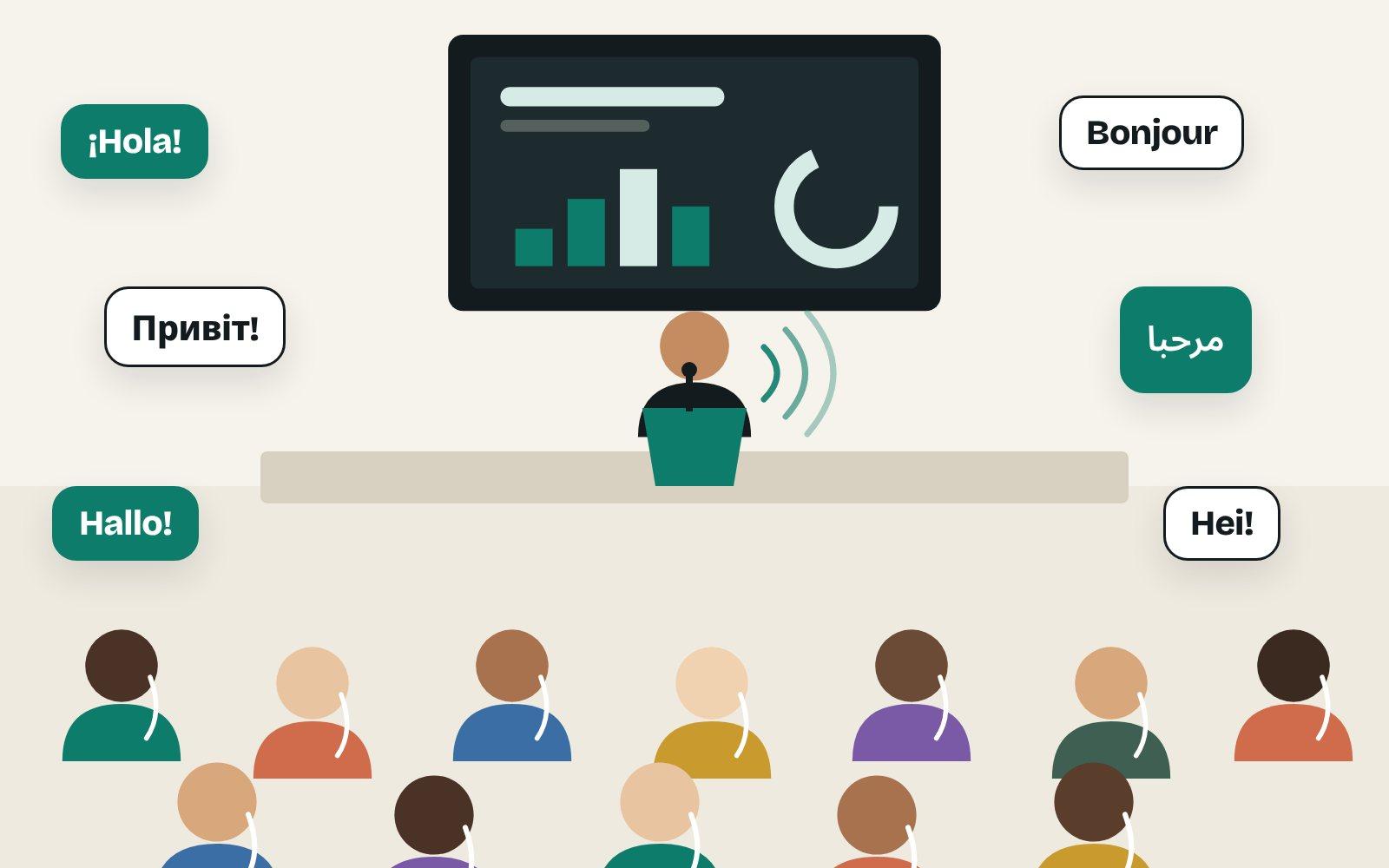
A speaker on stage, with greetings in Spanish, French, Ukrainian, Arabic, Finnish and German above an audience wearing earphones.

Hear it for yourself

A conference opening in English, interpreted by Spiiksi. Pick a language and switch at any time.

0:00 / 0:24

The original voice is synthetic; Spiiksi's interpretation is unedited.

And when you need it

Ready in three steps

  1. Create the event and add languages.

  2. Put the QR code on badges and screens.

  3. Open the microphone.

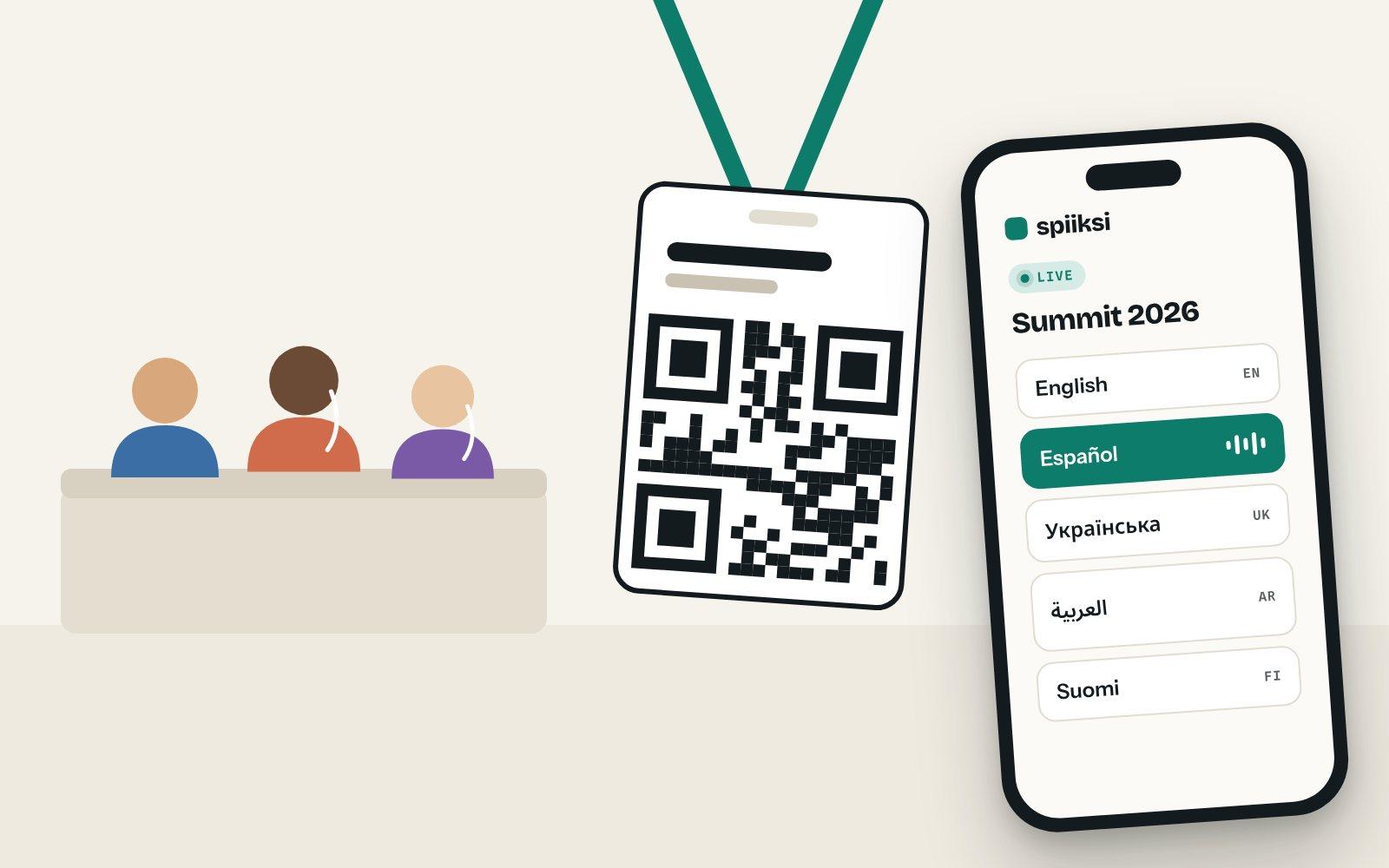
A conference badge with a QR code next to a phone listing languages, with Español selected.

Doors open

The receiver is already in their pocket.

Attendees scan the code on their badge, pick a language and listen with their own earphones. Nothing to hand out. Nothing to collect.

A speaker on stage, with greetings in Spanish, French, Ukrainian, Arabic, Finnish and German above an audience wearing earphones.

Keynote

One talk. Every language.

The speaker talks, and every seat hears it in its own language. Add speaker names and jargon in advance, so they come out right.
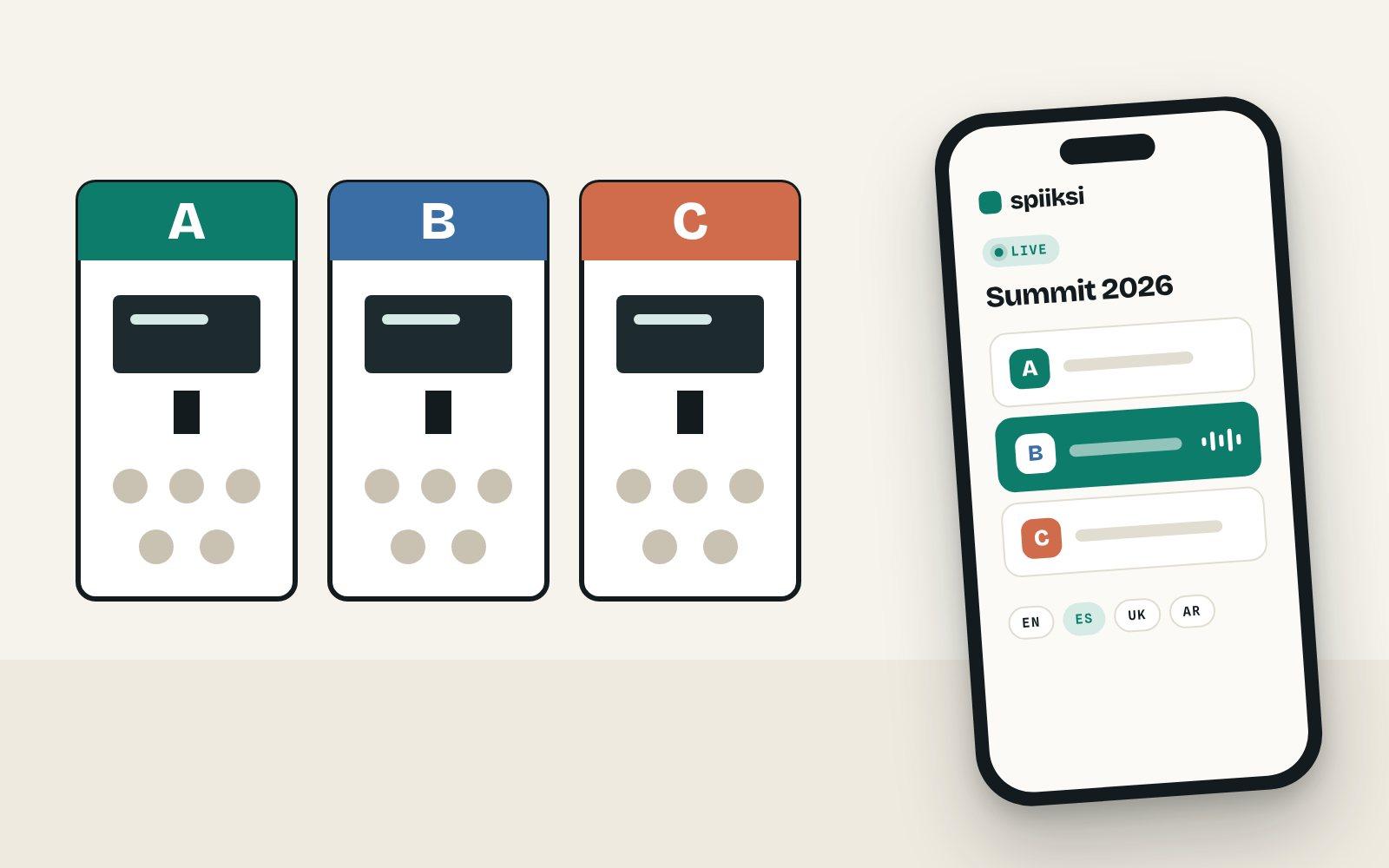
Three halls marked A, B and C, and a phone listing the halls with hall B playing.

Parallel sessions

Every hall gets its own channel.

Each hall has its own microphone and QR code. Pick a hall, pick a language, switch whenever you like.
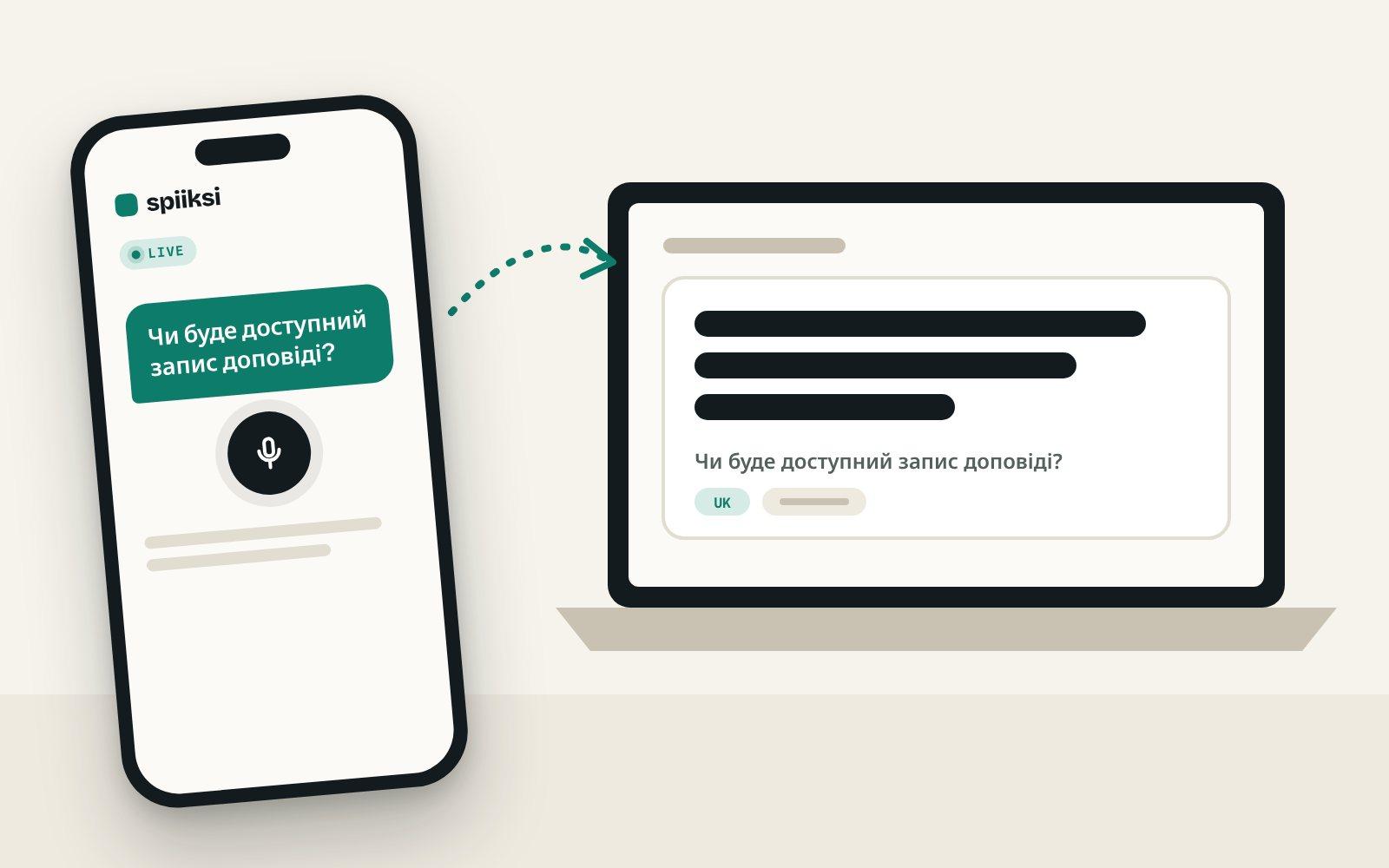
A phone with a question in Ukrainian, arriving translated on the speaker's laptop.

Q&A

Ask in yours. Read in theirs.

Attendees type or say a question in their own language. The speaker reads it in theirs, and the answer reaches everyone.

Common questions

Does AI interpretation replace a human conference interpreter?
Not necessarily. In Spiiksi, AI channels and human interpreter channels can run side by side in the same event, so you can use a human interpreter for the key languages and AI for languages you could not otherwise staff.
How many languages can one conference have?
An event can carry several language channels running at the same time, and each attendee picks a channel on their own phone.
Do attendees need receivers?
No. Attendees listen in the browser on their own phone and headphones, so there is no hardware to rent or distribute.
What if mobile coverage is poor or listeners have no headphones?
There are two options. If the venue already has an interpretation headset system, tour-guide headsets or a hearing loop, the interpretation can be fed into it through the mixing desk: listeners use the venue's headsets, and only the streaming computer needs internet. If listeners use their phones but mobile coverage is poor, a Spiiksi Box sets up its own Wi-Fi in the room: phones need no mobile data, and the venue's internet carries one stream per language however many people listen.Feeding the venue's headsetsSpiiksi Box for weak internet
Does it work with parallel tracks and several halls?
Yes. Each hall or stage is its own room in the event, with its own microphone, languages and QR code, and you can copy the languages from another room. Attendees choose the hall first, then the language, and can switch halls during the day.Rooms and parallel halls
How do speaker names and industry terms come out right?
Give the event interpreter instructions and a names-and-terms list per language: speaker names, product names, acronyms and how to translate them. AI interpretation can still make mistakes, so test the key terms before the day.Names and terms
Can livestream viewers get the interpretation too?
Yes. Spiiksi can put live captions over your stream's picture, in the original language or a translation, and the same link can add the interpreted voice to the stream. You add it to OBS, vMix or similar as a browser source.Captions on a livestream

Make your next conference multilingual

Create the event, add your halls and languages, and try the interpretation on your own phone today. You pay only for the minutes you use.