One link in OBS. Captions on your stream. In any language.
The speaker's words, or a translation, as captions over your stream's picture. One link in OBS, nothing for viewers to install.
Speak for a minute and hear it in another language.
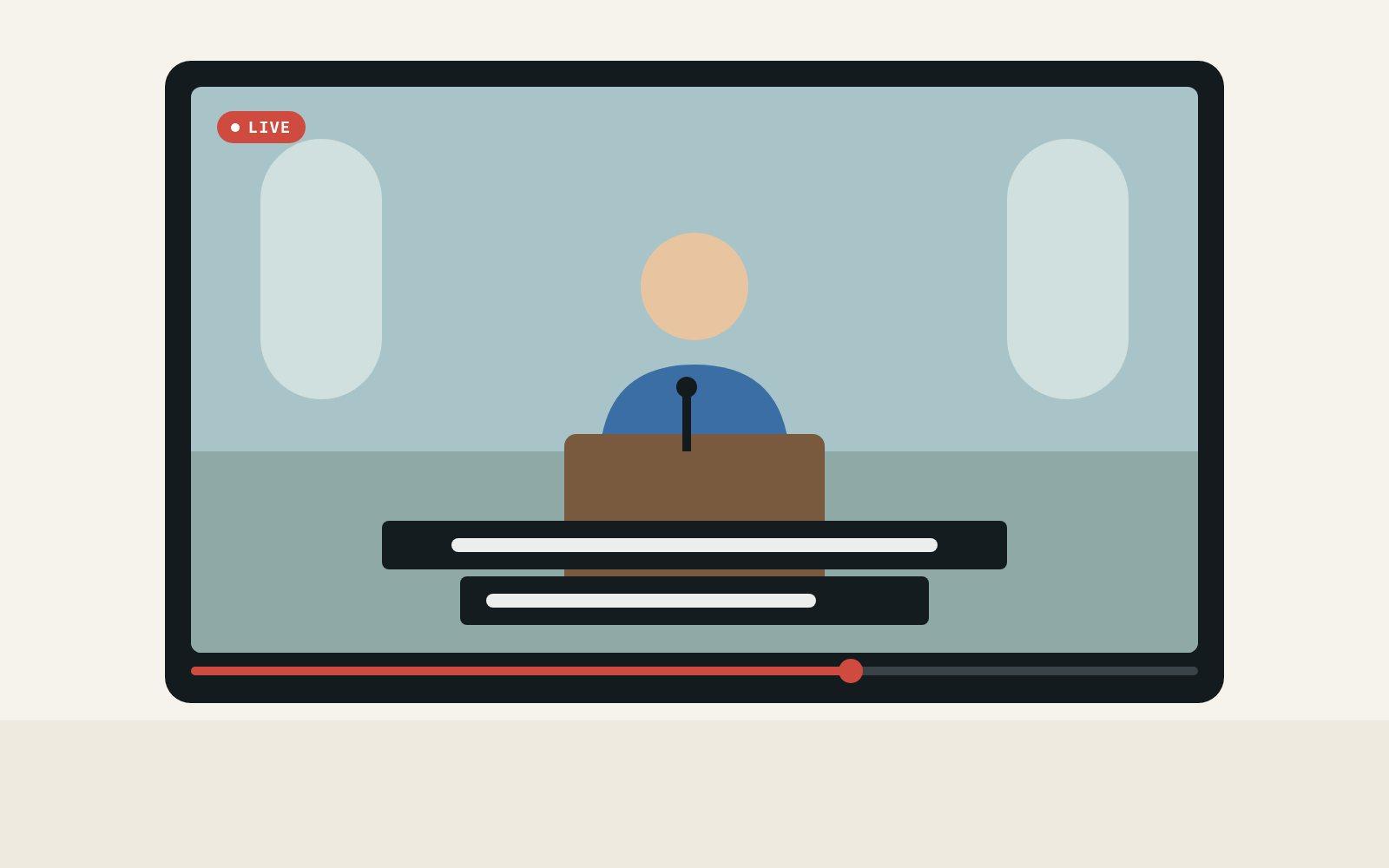
Hear it for yourself
The start of a live stream in English, interpreted by Spiiksi. Pick a language and switch at any time.
0:00 / 0:27
The original voice is synthetic; Spiiksi's interpretation is unedited.
And when you need it
- From €0.05 a minuteBilled per minute while sound comes in. No monthly fee.
- The translated voice tooAdd an interpreted language's voice to the stream's sound.
- Your own lookPosition, size, lines, band or outline, and a test link to try it.
- Captions for an eventAn event's room can show captions on its stream as well.
Ready in three steps
Create a stream under Stream captions.
Copy the overlay link into OBS.
Send the sound from the browser or OBS.
On the picture
Captions appear as people speak.
Your streaming software lays them over the camera picture, like subtitles on television. Viewers need nothing new.
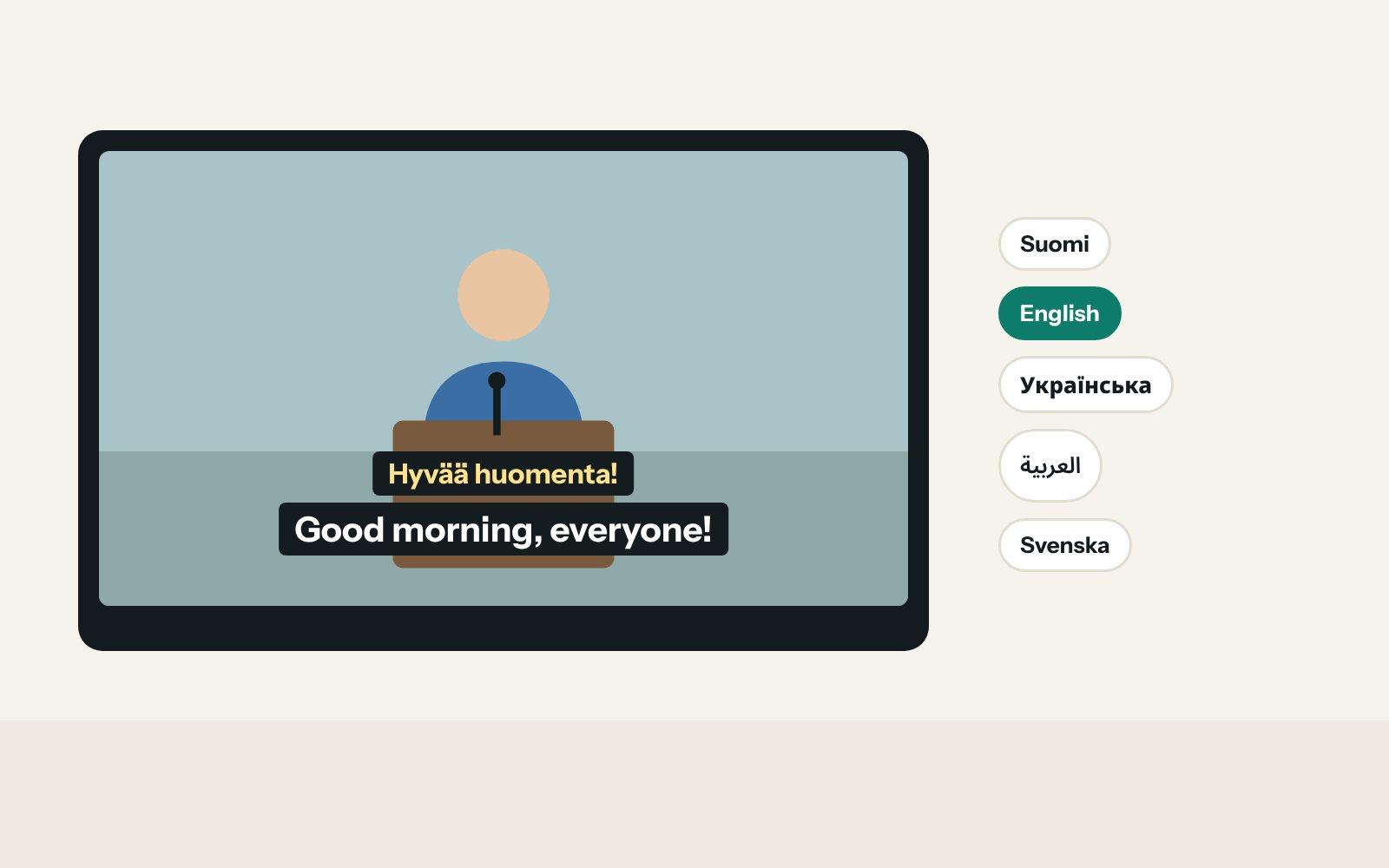
Languages
The speaker's words, a translation, or both.
Show the original for viewers who can't hear, a translation for those who speak another language, or the original above its translation.
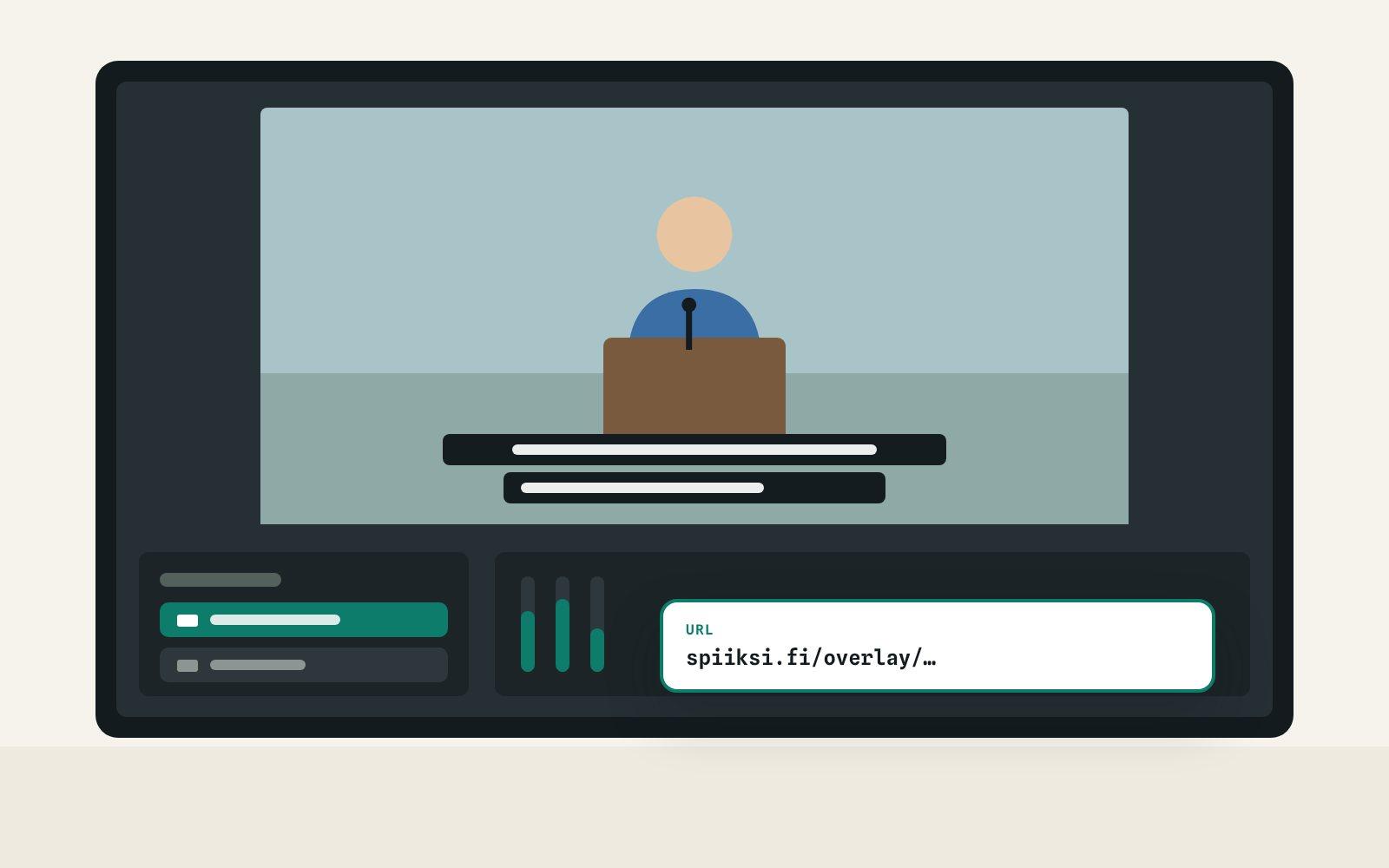
Setup
One link, added as a browser source.
Copy the overlay link into OBS, vMix or a web studio. It stays the same every week, so your scene is ready for the next stream.
How it works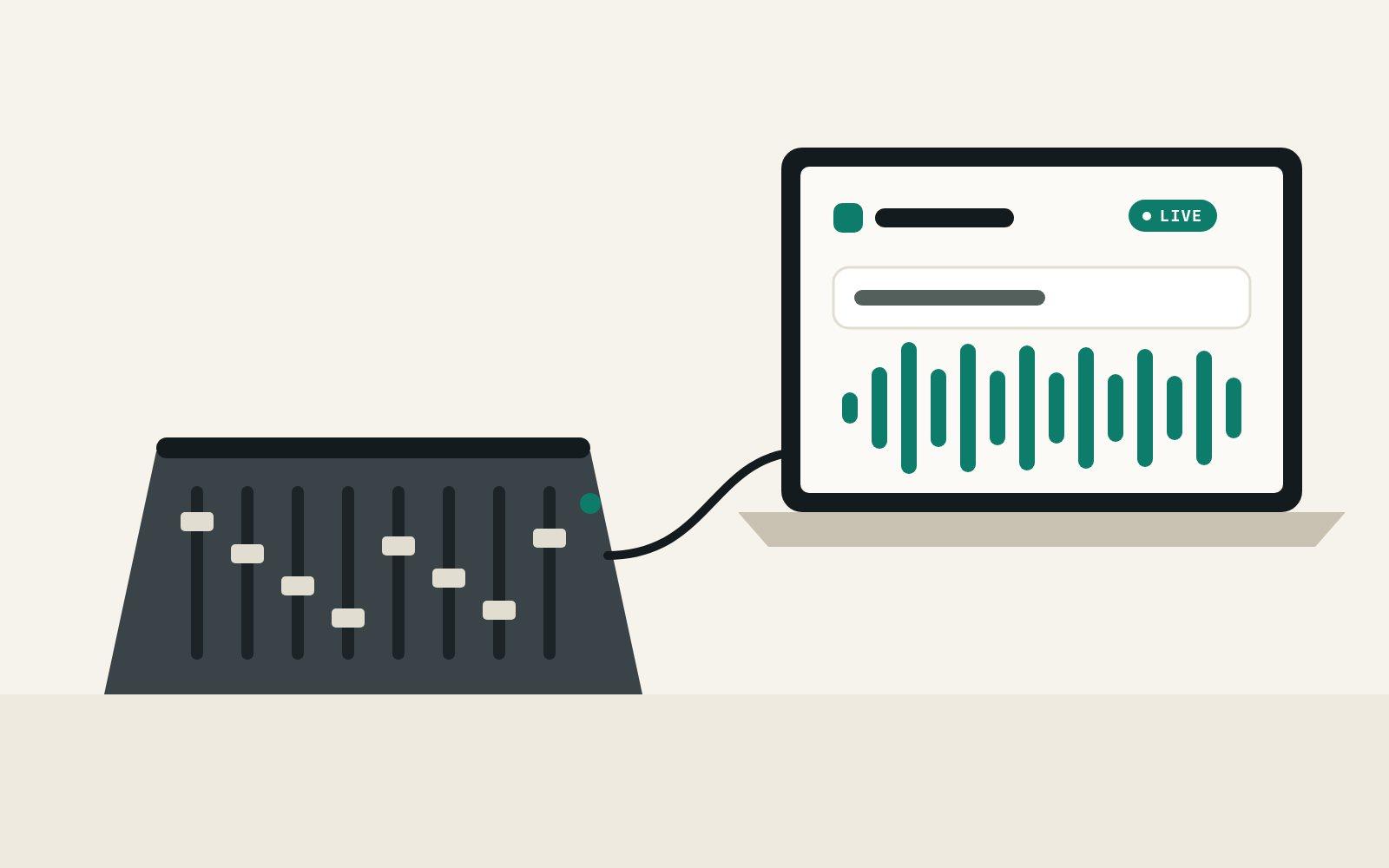
Sound
Send the sound from your browser or OBS.
Pick the mixer's input on the audio page, or stream to Spiiksi from OBS with a stream key. No event to set up.
How it worksCommon questions
What does it cost?
Which streaming software does it work with?
Do viewers need to do anything?
How quickly do the captions appear?
Can I try it before going live?
Can the stream carry the translated voice?
Put captions on your next stream
Create a free account, make a stream and copy one link into OBS. You pay only for the minutes captioned.