One meeting. Every resident. In their own language.

Every resident can follow the meeting in their own language — by listening or reading on their own phone.

Speak for a minute and hear it in another language.
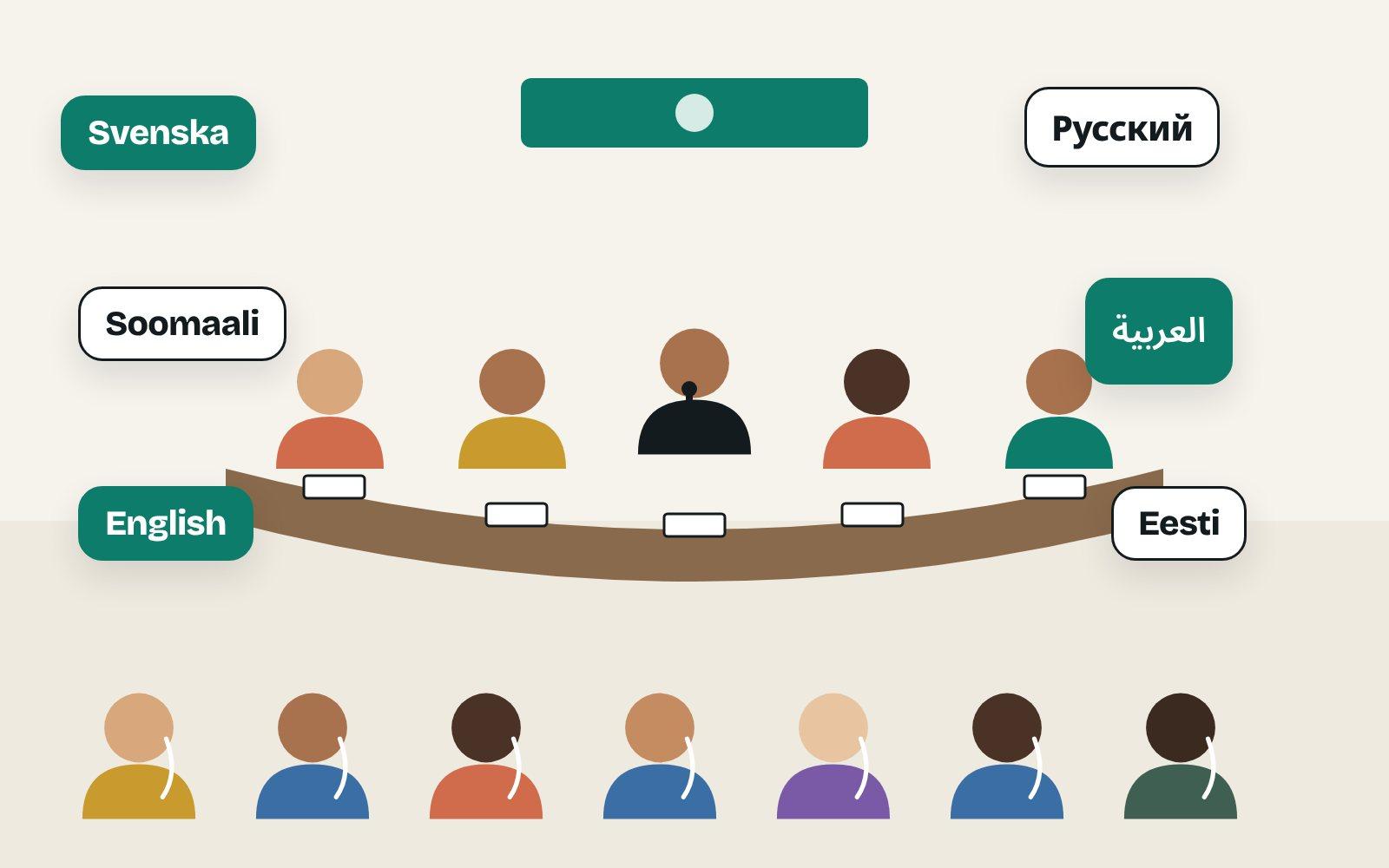
A council table with the chair at the microphone and language names above the residents.

Hear it for yourself

A council meeting in English, interpreted by Spiiksi. Pick a language and switch at any time.

0:00 / 0:20

The original voice is synthetic; Spiiksi's interpretation is unedited.

And when you need it

Ready in three steps

  1. Create the session and pick languages.

  2. Add the QR code to the invitation.

  3. Open the microphone.

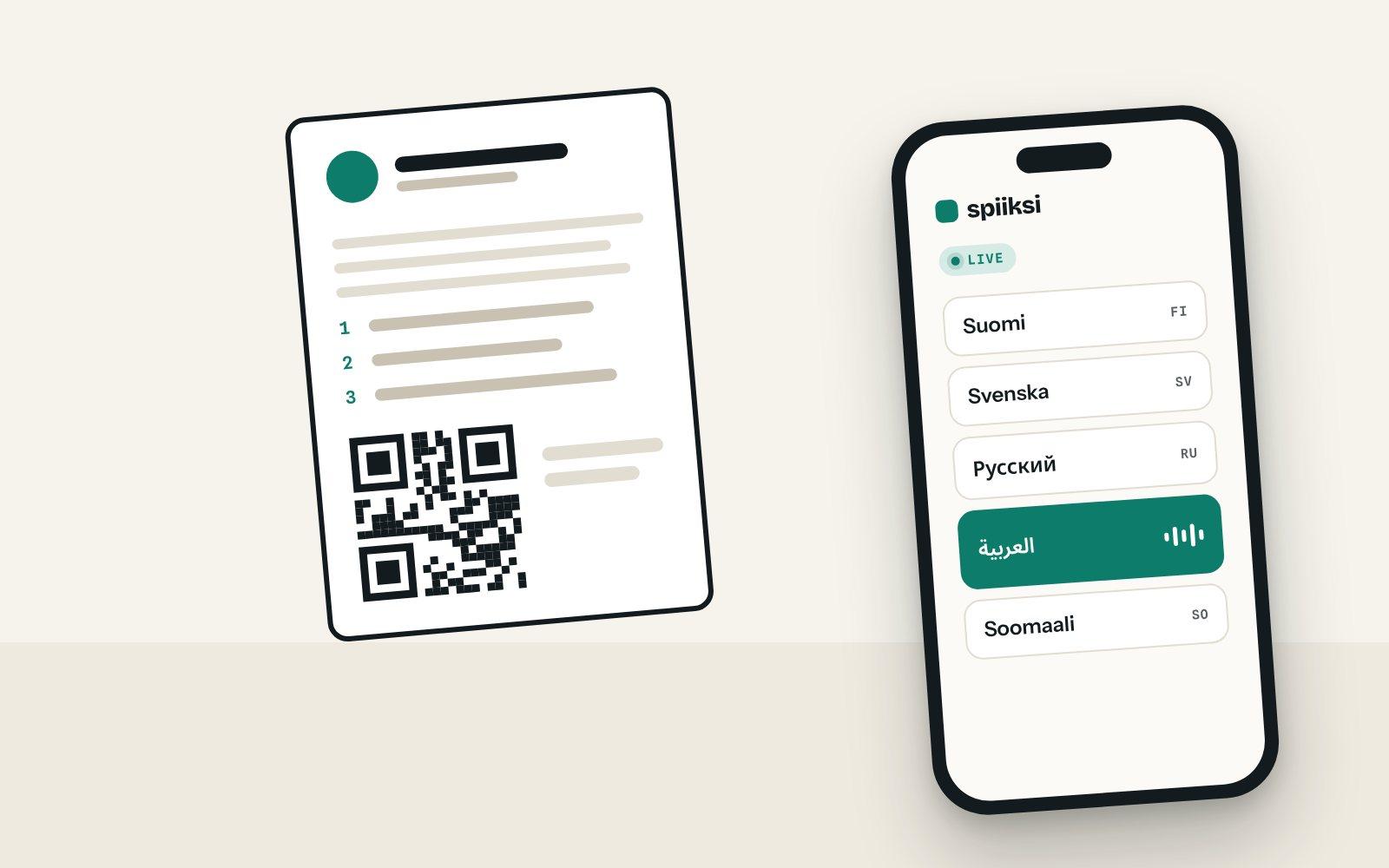
A meeting agenda with a QR code next to a phone listing languages with Arabic selected.

The invitation

The code comes with the agenda.

Put the QR code on the invitation and the agenda. Residents choose their language before the meeting even starts.

A council table with the chair at the microphone and language names above the residents.

The meeting

Everyone follows the same discussion.

The council speaks as usual. Residents hear it in Arabic, Russian or Somali as it happens.
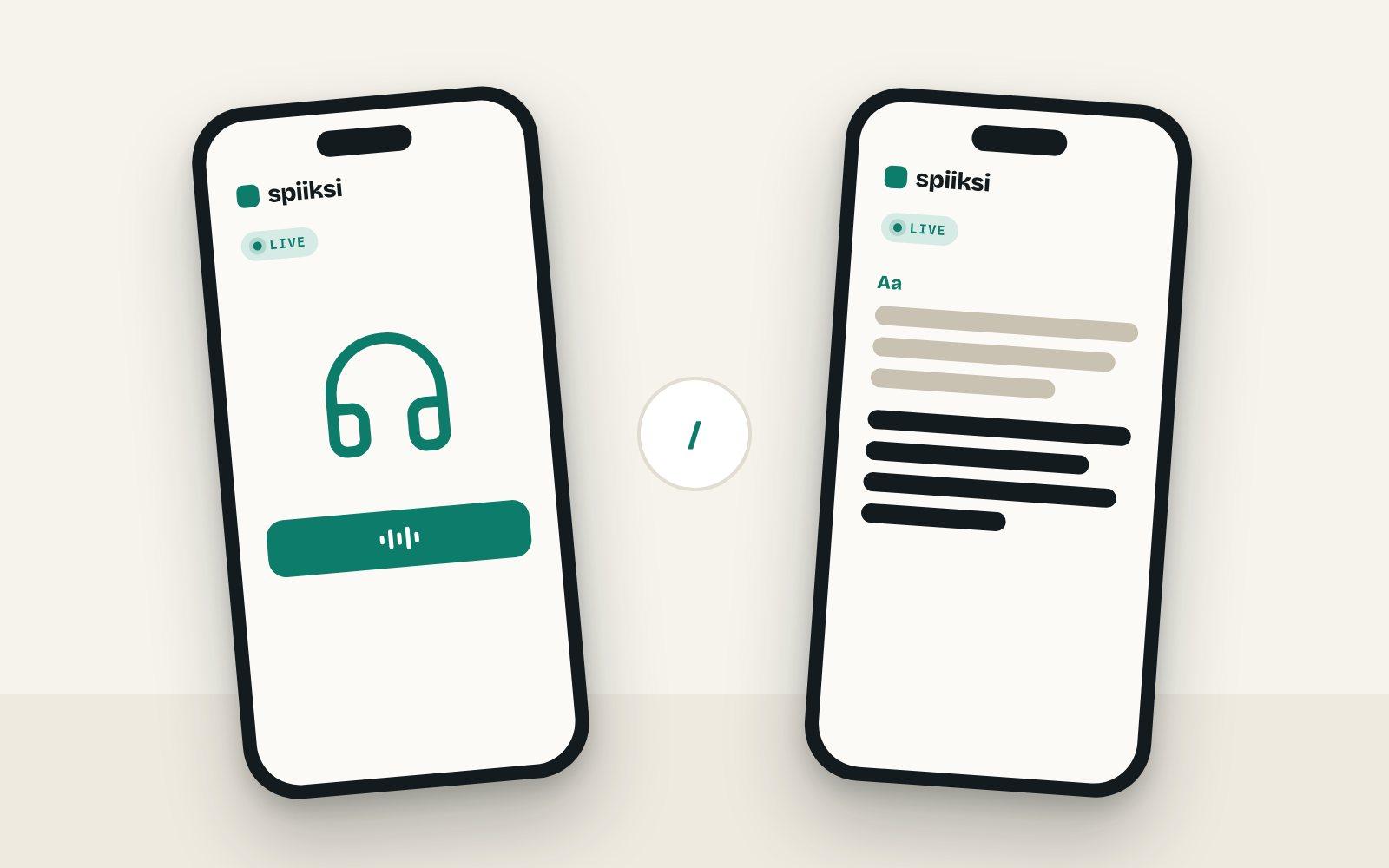
Two phones: one playing audio, one showing live captions.

Accessibility

Listen or read — each person chooses.

Interpretation and live captions in one place, for anyone who would rather read.
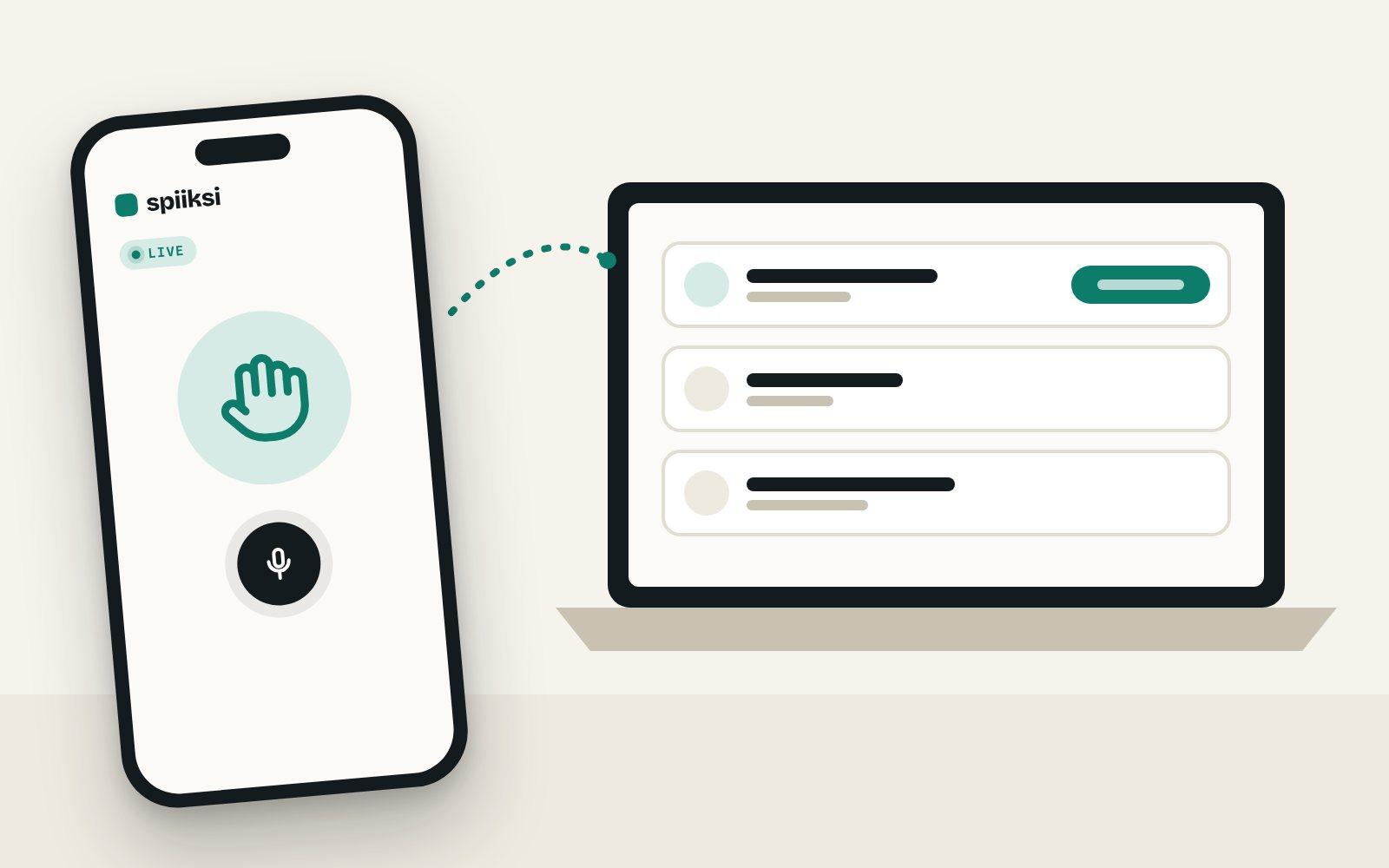
A phone with a raised hand and a microphone, linked to the chair's list of residents asking to speak.

Residents have their sayStarter+

Speak up in your own language.

Give a resident the floor. What they say or write reaches the council and everyone else in their own language.

How it works

Common questions

Can a meeting be interpreted into several languages at once?
Yes. A session can run several language channels in parallel, and each participant selects their language on their phone.
Can the speech be shown as text?
Yes. Spiiksi can turn speech into live text on a participant's phone, which also improves accessibility for hard-of-hearing participants.
Is the meeting audio recorded?
Event audio is processed in real time and is not stored unless the customer specifically requests a recording. Sessions of the website demo are recorded to improve quality and deleted after 90 days. The privacy policy describes the processing in detail.
What if mobile coverage is poor or listeners have no headphones?
There are two options. If the venue already has an interpretation headset system, tour-guide headsets or a hearing loop, the interpretation can be fed into it through the mixing desk: listeners use the venue's headsets, and only the streaming computer needs internet. If listeners use their phones but mobile coverage is poor, a Spiiksi Box sets up its own Wi-Fi in the room: phones need no mobile data, and the venue's internet carries one stream per language however many people listen.Feeding the venue's headsetsSpiiksi Box for weak internet

Make your next session multilingual

Create a free account and try interpretation at a single session before rolling it out more widely.